
Home offices have multiplied over the past few years, yet many of the people working in them are still sitting and standing the wrong way. Ergonomic desk setup mistakes are rarely dramatic; they are small habits that quietly cause neck strain, back pain, and tangled workflows. This article looks at the most common missteps around standing desks, monitor height, cables, and seating, using Desktronic UK‘s range to illustrate what a properly arranged workspace actually looks like.
Standing Desks Are Not a Cure-All: Why Height Alone Doesn’t Fix Poor Ergonomics
A height-adjustable desk is often treated as an instant fix for a sore back or stiff shoulders. That assumption is one of the more persistent ergonomic desk setup mistakes, because the desk only changes posture if someone actually alternates between sitting and standing throughout the day. Owning a motorised frame does nothing on its own if the monitor, chair, and keyboard stay in the same fixed position regardless of height.
Desktronic UK‘s HomeOne desk is described as the brand’s best-selling standing desk, offering a premium experience through its high-class materials, looks, and electronics, built around a dual-motor system and a reinforced steel frame that keeps transitions smooth and stable. That stability matters because a wobbly desk discourages people from changing position often, which undermines the entire point of having an adjustable surface. A sturdy frame is a starting point, not a guarantee that posture improves by itself.
Monitor Placement Myths: Why Screen Height Matters More Than Expected
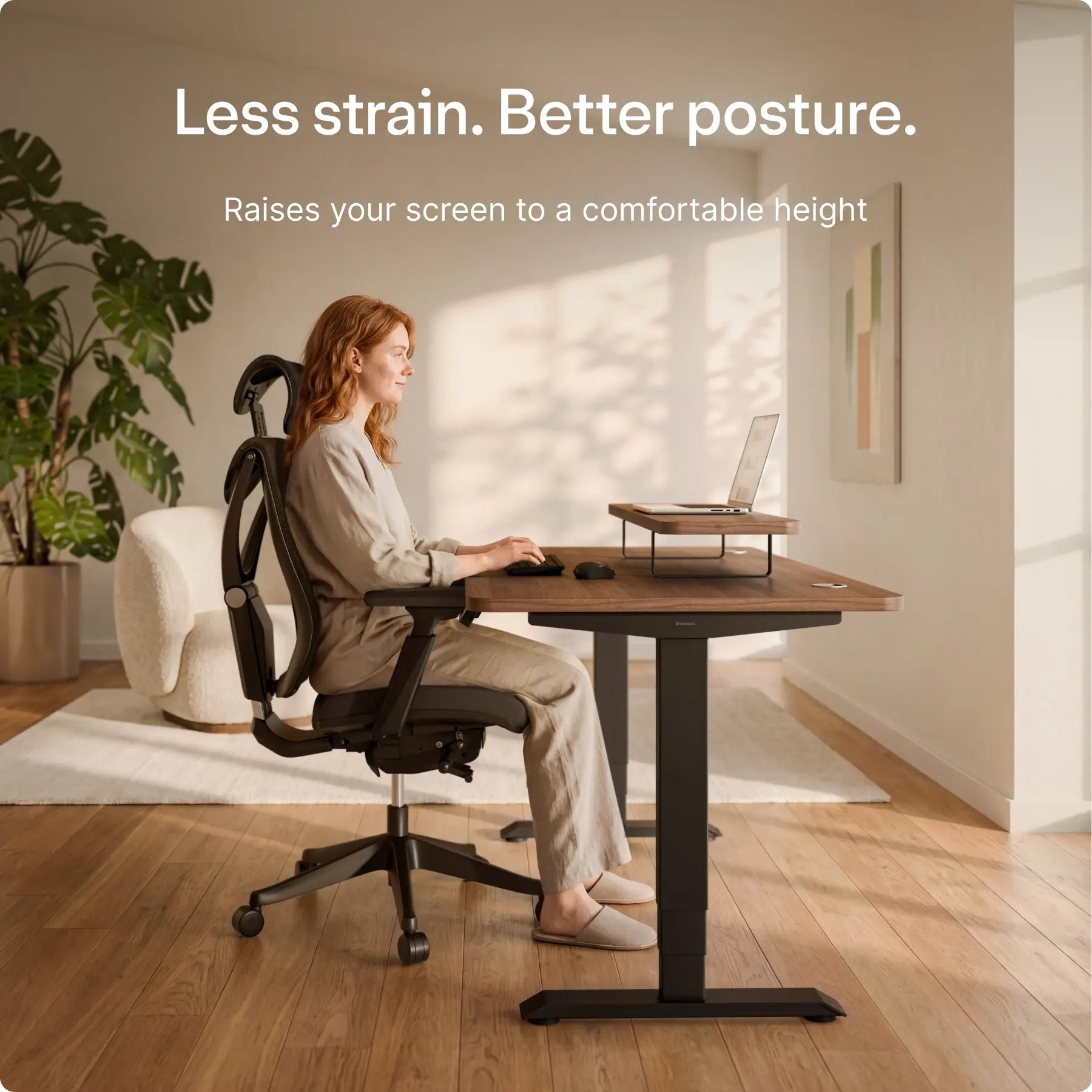
Many people raise or lower a desk without ever reconsidering where the screen sits relative to the eyes. This is one of the most overlooked ergonomic desk setup mistakes, since a monitor that is too low forces the neck to tilt forward for hours at a time. Even a well-built standing desk cannot correct for a screen that sits at the wrong height.
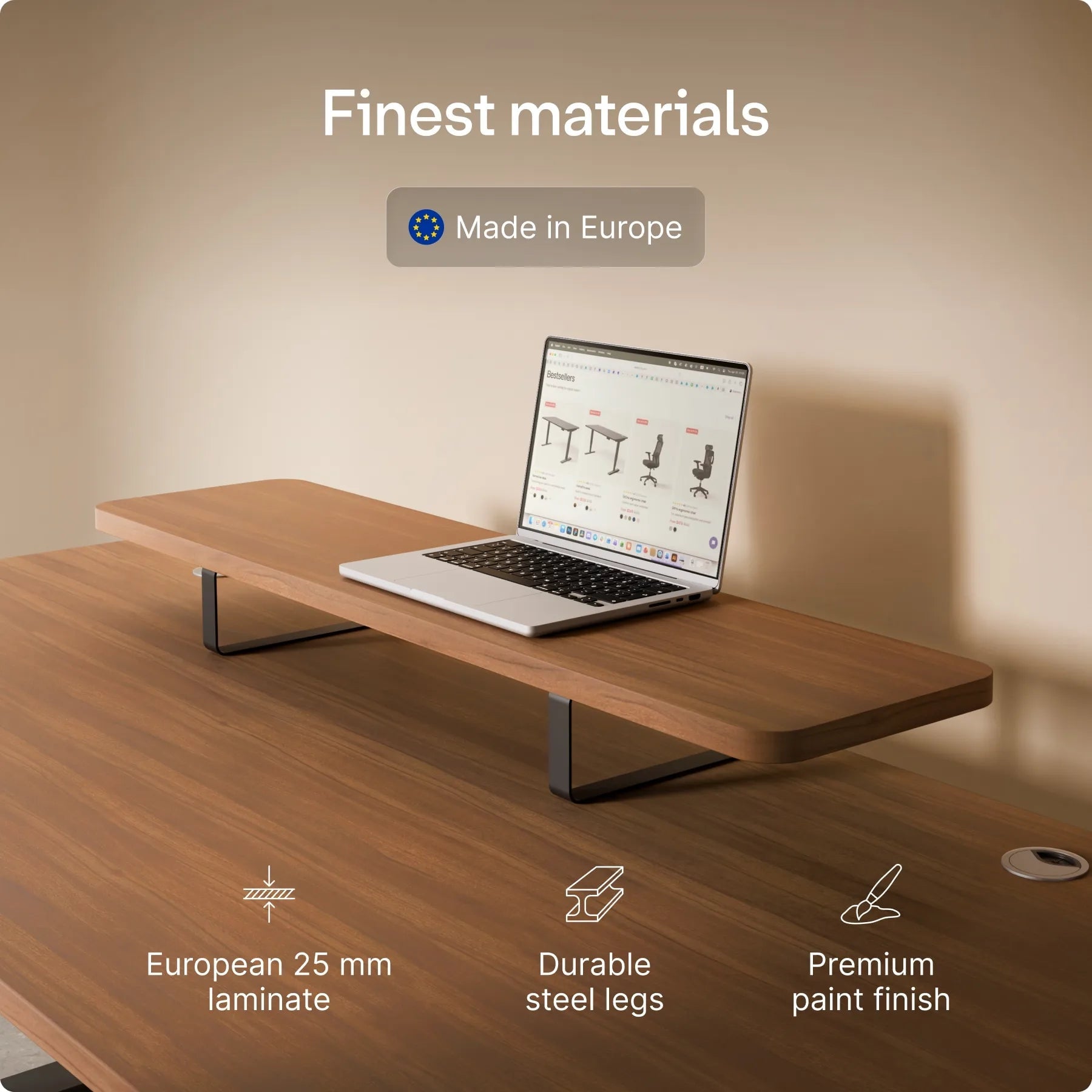
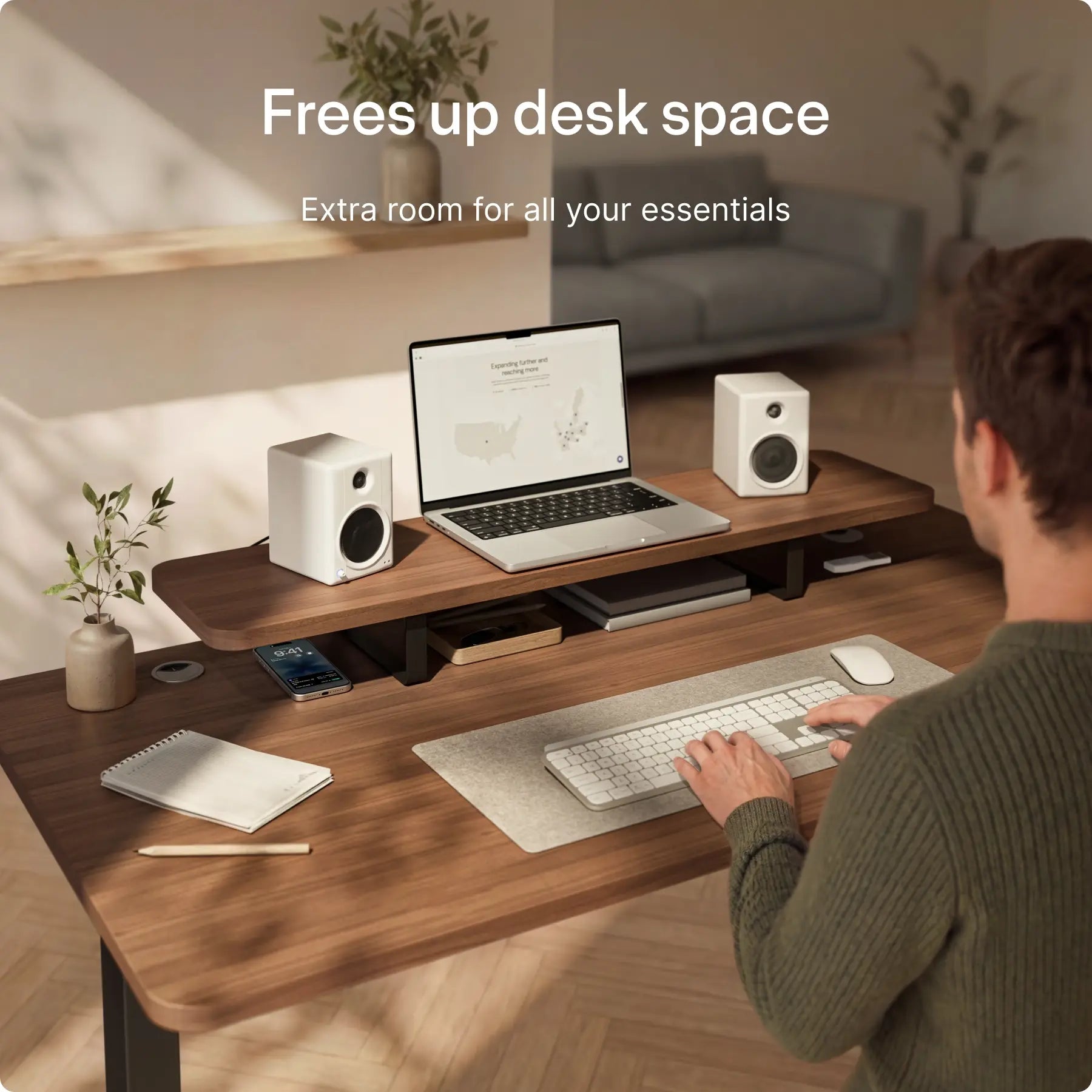
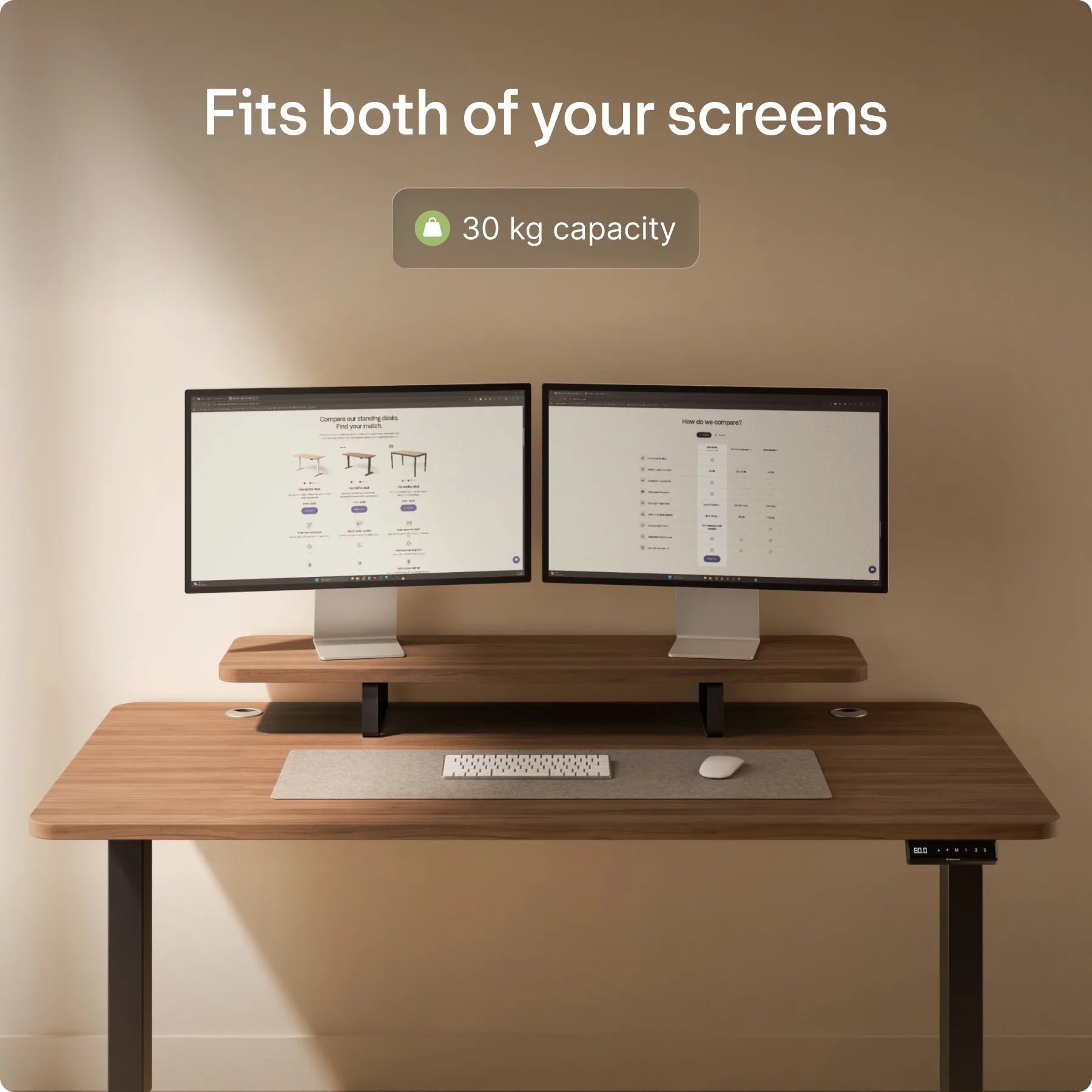
Desktronic UK‘s monitor stand is built as a minimalist shelf that raises a screen to a more comfortable eye level while also freeing up surface space underneath for everyday items. For setups involving more flexibility, the brand’s monitor arm offers an adjustable design that supports varied viewing angles and frees desk space that would otherwise be taken up by a fixed stand. Pairing either accessory with a height-adjustable desk addresses posture across the whole body rather than just the legs and back.
The Cable Chaos Trap: How Poor Cable Management Undermines Workspace Efficiency
Cables tend to multiply quietly, looping under desks and across the floor until the workspace feels cluttered no matter how good the furniture is. Tangled cords are not just unsightly; they also get in the way of raising and lowering a standing desk smoothly, which makes people less likely to bother adjusting it at all. This is one of the quieter ergonomic desk setup mistakes, since it affects whether the rest of the setup even gets used properly.
Desktronic addresses this with more than one option. The magnetic cable channel snaps onto any metal surface, keeps cords secure as the desk moves, and installs in seconds without tools. For a more complete solution, Cable management Pro is described as the brand’s most premium under-desk tray, with an integrated power strip that hides power adapters, cables, and wires out of sight while keeping them within easy reach. A separate cable tray option is built to match the brand’s standing desks and includes cutouts designed for easier cable routing.
Wobble Stools and Active Sitting: Separating Fact from Hype
Active sitting products are often marketed as a replacement for proper ergonomic chairs, which is a simplification worth questioning. A wobble stool is designed to encourage an upright, engaged posture and gently activate back muscles during short stretches at a desk, rather than to replace full back support for long periods. Desktronic UK‘s Wobble stool adjusts from 57 to 82 cm, so it can be matched to different desk heights, and it is positioned as an alternative for moments when a regular office chair no longer feels right.
Treating a stool as a full-time chair substitute, however, ignores the role that back support plays across an entire workday. That is a distinction worth keeping in mind when building a varied, active workspace routine.
HomeOne, HomePro, and HomeMax Desks: Matching Desk Features to Actual Needs
Desktronic’s desk range includes three distinct models, each with its own build and positioning. The HomeOne desk, already noted above for its dual-motor system and reinforced steel frame, sits alongside the HomePro desk, which carries a specially reinforced steel frame designed to stay rock solid even with larger tabletop sizes. That extra reinforcement is aimed at workspaces using bigger work surfaces that need additional stability.
The HomeMax desk sits at the top of the lineup as a 4-leg electric desk, combining a feather-light silhouette, rounded corners, and a soft ambient glow as part of its design. Selecting between these three models comes down to tabletop size needs and how much stability a particular workspace requires, rather than treating any one desk as automatically correct for every setup.
Beyond the Desk: Essential Accessories That Complete an Ergonomic Setup
A desk and a monitor stand address posture from the waist up, but a complete setup also depends on seating and small details that are easy to overlook. Desktronic UK‘s SitOne ergonomic chair includes multiple adjustable points designed to align with the body’s natural posture. Premium castor wheels are also available as a chair accessory, letting an existing chair move more smoothly across different floor types.
A metal desk drawer adds practical storage underneath a desktop, with smooth-glide rails for quiet, easy access to everyday items. None of these accessories work in isolation; a chair with poor support can undo the benefit of a well-placed monitor, just as a cluttered desk can undercut an otherwise solid standing desk routine.
- Placing a monitor arm too low or too high forces unnecessary neck strain regardless of how good the desk is.
- Relying on a standing desk’s height alone, without changing posture through the day, misses the actual point of having one.
- Letting loose cables tangle around desk legs can physically obstruct the mechanism that raises and lowers the desk.
- Underestimating the importance of proper chair support leads people to assume a stool or cushion can replace a full ergonomic chair.
- Skipping cable organisation altogether leaves a workspace looking cluttered even after investing in better furniture.
Comfort at a desk rarely comes from one single purchase. It comes from how the desk, monitor, chair, and cables all work together across a full working day.